-
Product Center
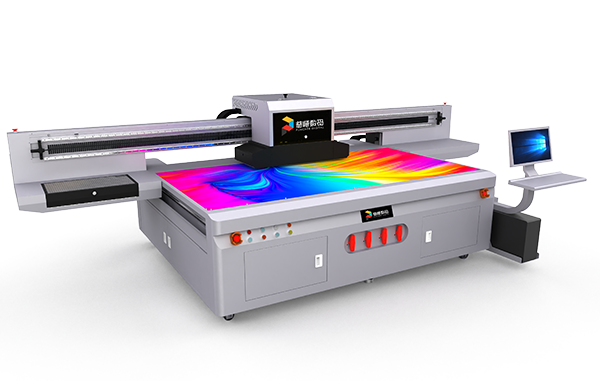
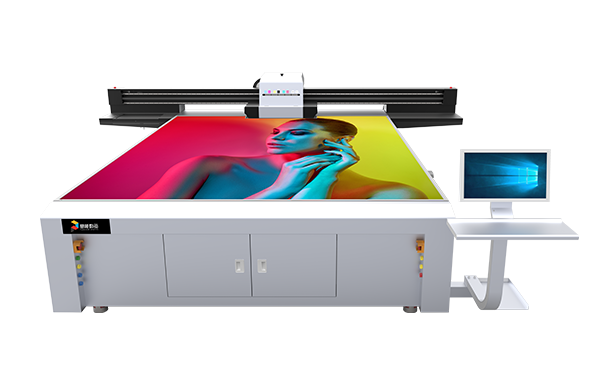
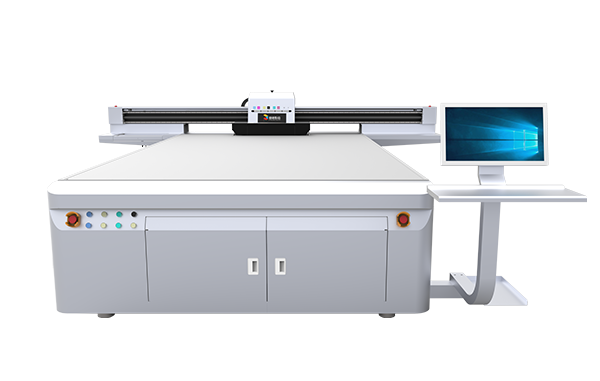
The PT-2513-Hi UV flatbed printer has the advantages of high precision, high efficiency and high height difference. It can easily print detailed, colorful images and text on the surface of various materials. With its excellent printing accuracy, efficiency and material compatibility, it accurately meets the market's stringent requirements for high-quality printing.
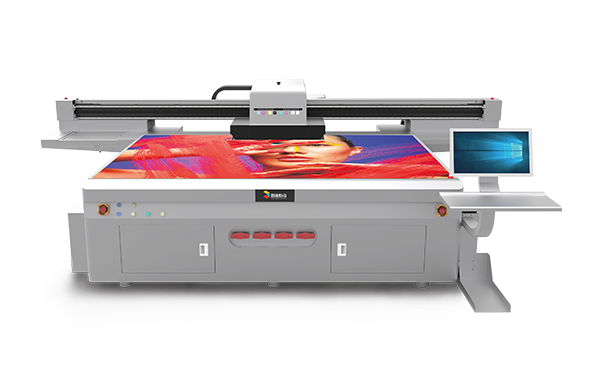
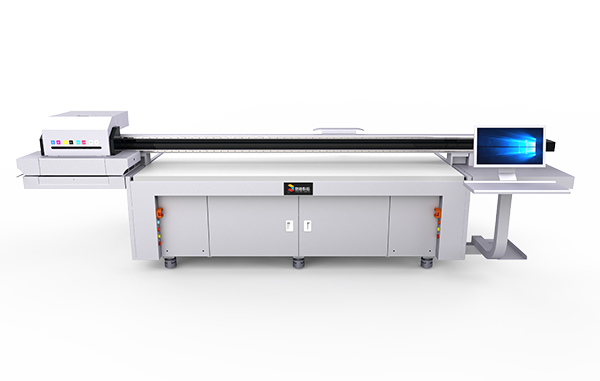
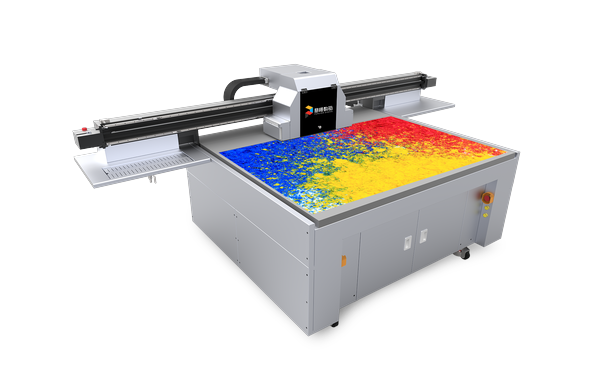
The PT-YW-2513 UV flatbed printer adopts a new dovetail design, making the operation more user-friendly; it is highly customizable and is one of Jingutian's best-selling products; it can be configured with a new visual positioning system, the deformation matching algorithm is faster, and it can achieve high-precision recognition and printing, enabling the printing needs of multiple types of materials.
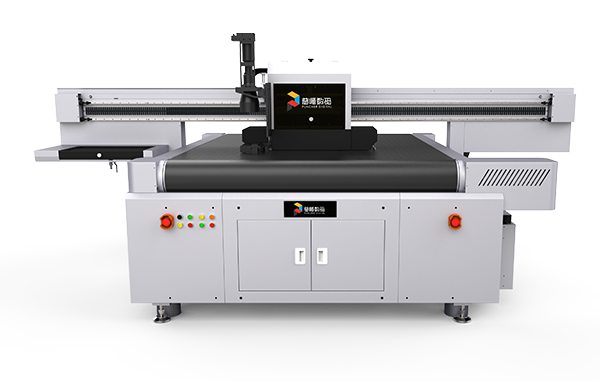
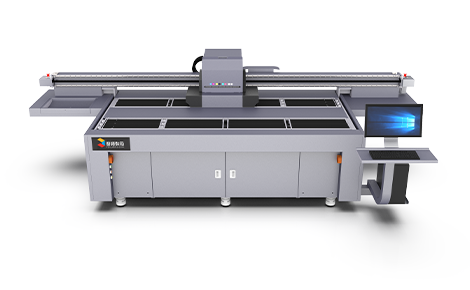
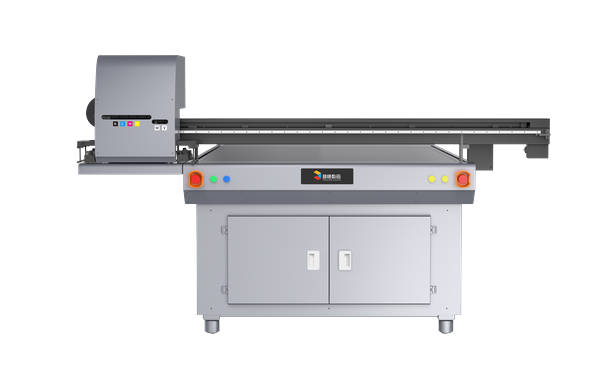
PT-1620-H is a UV flatbed printer equipped with self-developed integrated vision software: printing software + RIP software + CCD intelligent visual positioning software; it has a scanning-while-printing mode, which is faster in timeliness, visual scanning from completion to printing, data processing speed is faster, and the equipment has both high precision and high speed.
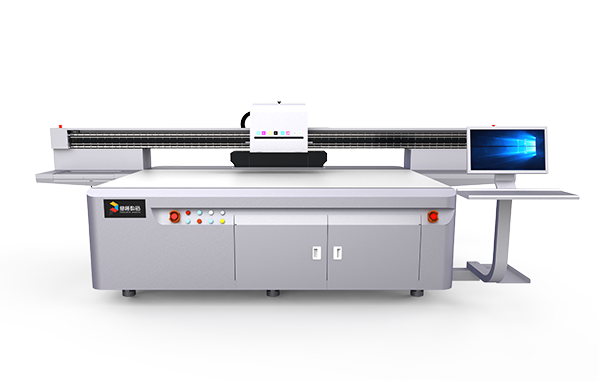
PT-2513-G6 UV flatbed printer is widely used in many industries due to its high-precision printing, large-format printing, efficient production, multi-material adaptability, environmental protection and energy saving. At the same time, its advanced technical configuration and simple operation and maintenance procedures also provide users with great convenience.